


Wardrobe guides
Outfit planner without AI
Yes, you can use Pureple as a manual outfit planner. Adding wardrobe items and creating outfits manually are free. Here is the iPhone workflow we used.
Outfit planner app no AI
Open a clothing photo in your closet. Choose Create Outfit. In our example, selecting the black sneakers put them on the canvas before we chose any clothes.
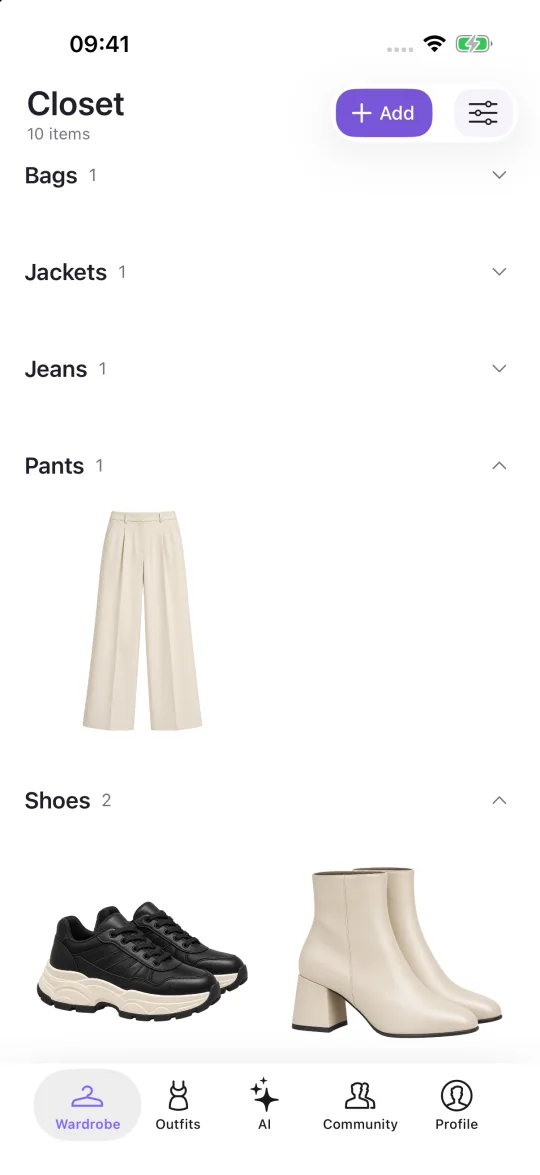
Outfit planner app without AI
We selected the blue jeans, opened Sweaters and tapped the cream knit. The editor showed three pieces. Tap a piece to select it, drag it to move it, or pinch to resize it. Tap Save outfit to keep the combination.
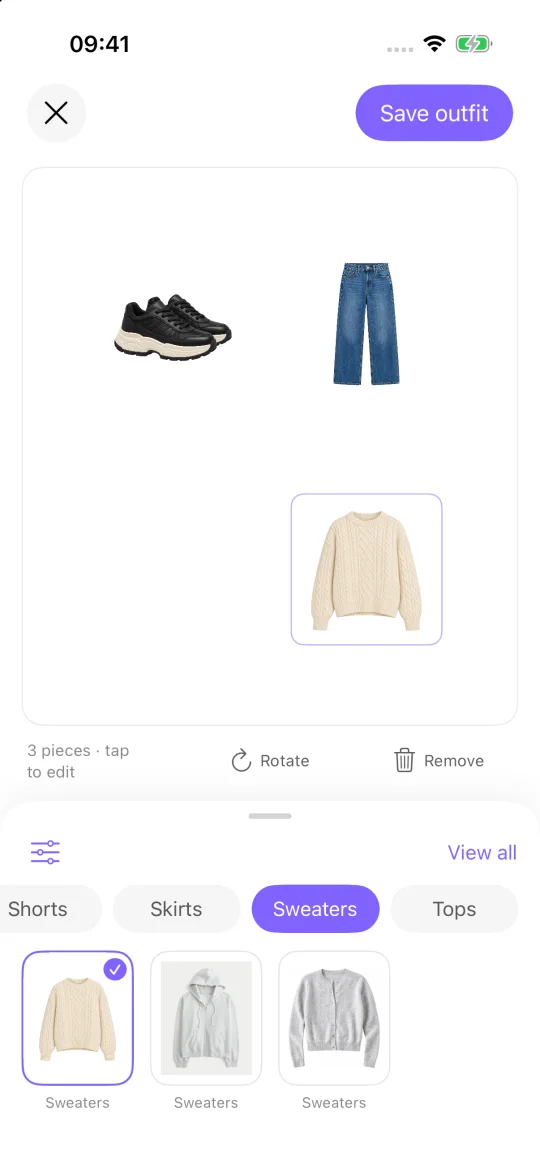
Plan a second wear
Pick a saved combination you like. Write down one change for a different day: a lighter layer for the commute, or different shoes for rain. Use the weekly sheet to keep both versions handy.
Plan the week on paper or in SheetsLast reviewed: November 24, 2026