A practical guide to your own wardrobe
Build a capsule wardrobe from clothes you already own
A capsule wardrobe is a small selection of clothes you can combine in several ways. Start with pieces you already reach for, choose one part of your week to plan for and try combinations before adding anything new. Here is a seven-piece example you can adapt, plus a way to keep your outfits together in Pureple.
Seven pieces. Six outfit ideas.
For a casual week, pick two tops, two bottoms, one layer, one pair of shoes and one bag. Substitute the colors, cuts and footwear you actually wear. This is a starting exercise, not a rule for how many clothes you should own.
- Brown top
- White T-shirt
- Blue jeans
- Black trousers
- Cardigan
- Sneakers
- Everyday bag
| Outfit | Put these together | What changes |
|---|---|---|
| 1 · Everyday | Brown top + blue jeans + sneakers + bag | Start with a combination you already like. |
| 2 · A different top | White T-shirt + blue jeans + sneakers + bag | Keep the bottom half; swap the top. |
| 3 · Change the shape | Brown top + black trousers + sneakers + bag | Try a different cut of bottoms. |
| 4 · Simple contrast | White T-shirt + black trousers + sneakers + bag | Repeat the second top with the other bottoms. |
| 5 · Add a layer | Brown top + blue jeans + cardigan + sneakers + bag | Use the layer when the weather calls for it. |
| 6 · Layer it again | White T-shirt + black trousers + cardigan + sneakers + bag | Reuse the cardigan with another base. |
Use these outfit ideas as a starting point and adapt them to your own wardrobe.
From your clothes to outfit ideas
Add the pieces you chose
Photograph just this small selection and add it to your Pureple closet. You can add the rest of your wardrobe later.
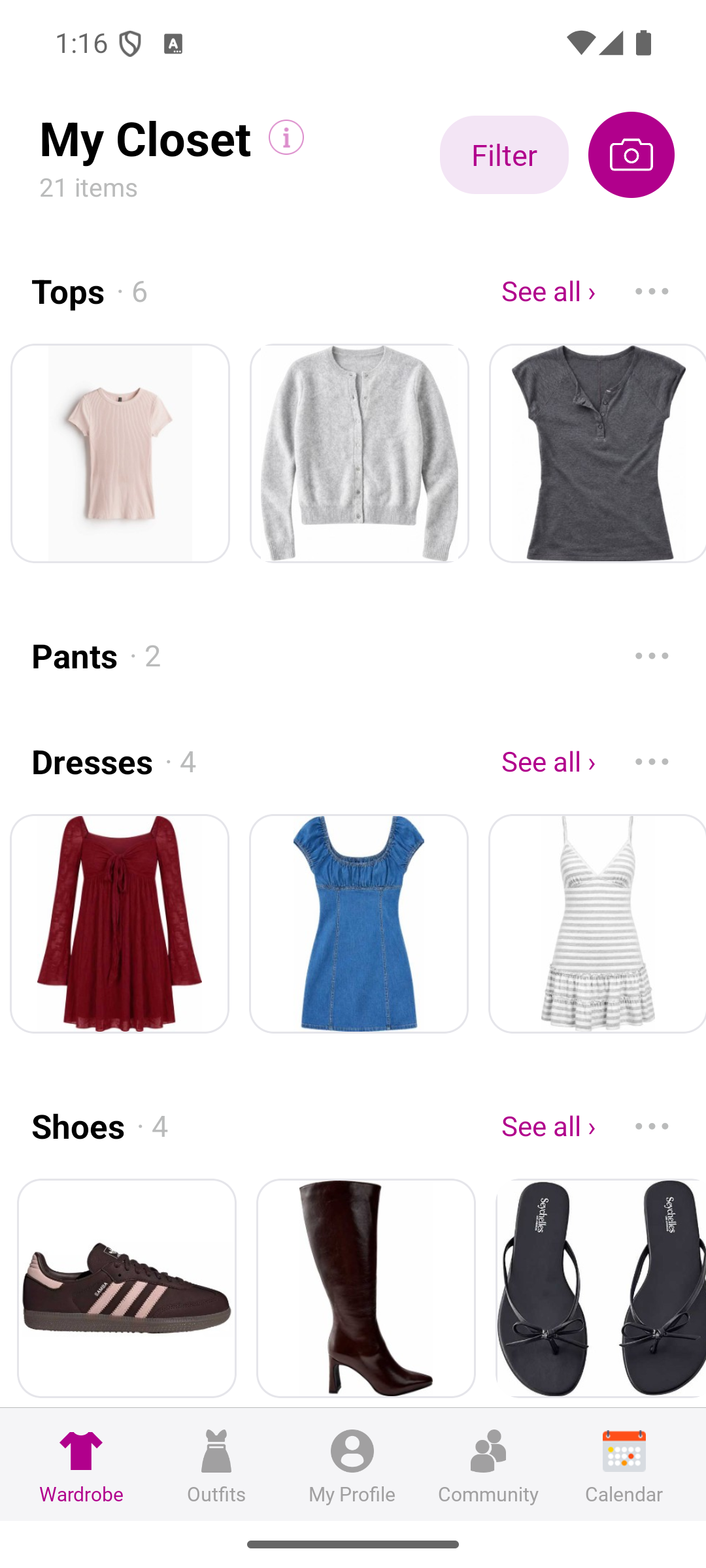
An example closet in Pureple for Android. Find your pieces together
Use categories and available wardrobe filters to find the items for a look. Choose clothes that fit your plans, comfort and the weather.
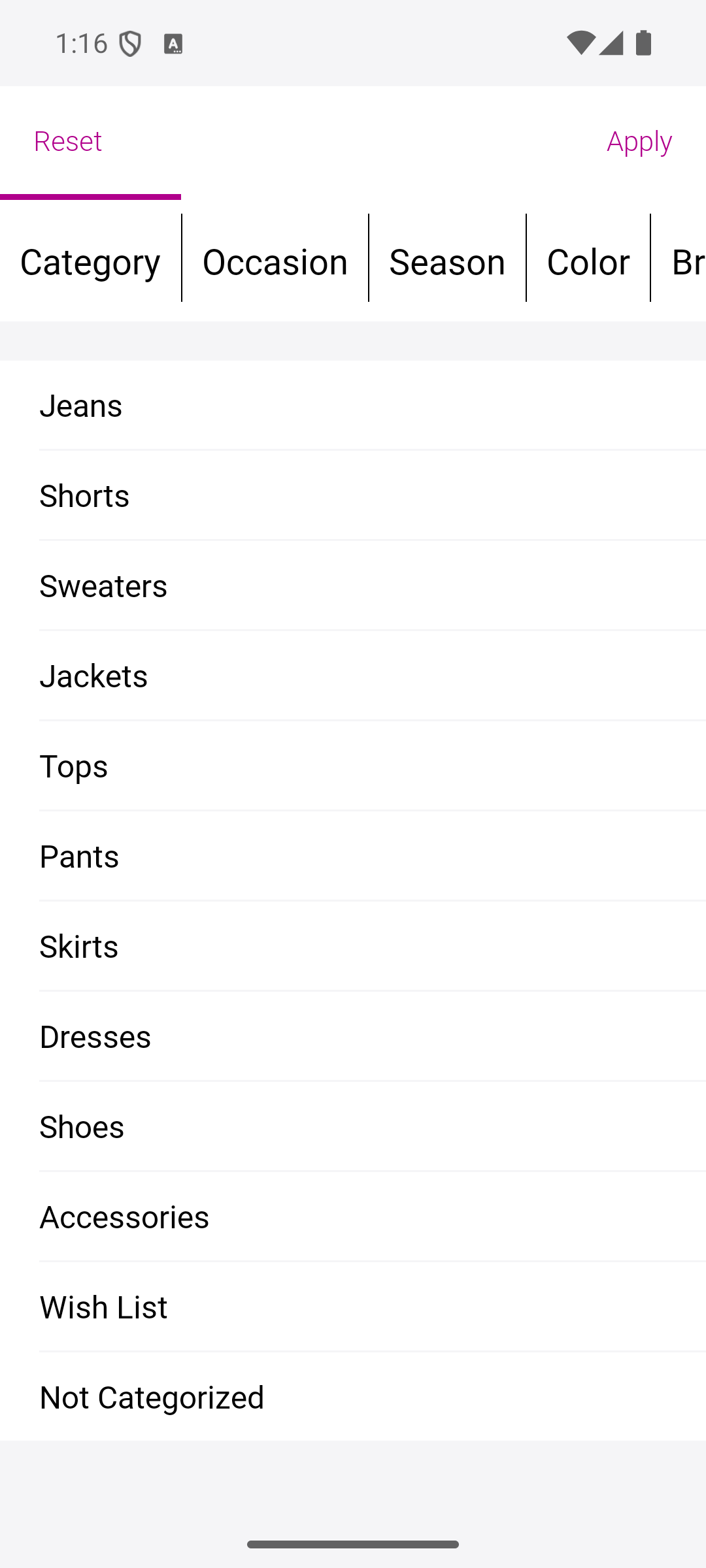
Use your wardrobe details to find pieces. Create and save an outfit
Combine your chosen items manually, then save the outfit so you can find it again. Adding wardrobe items and making manual outfits are free, with no quantity limits.
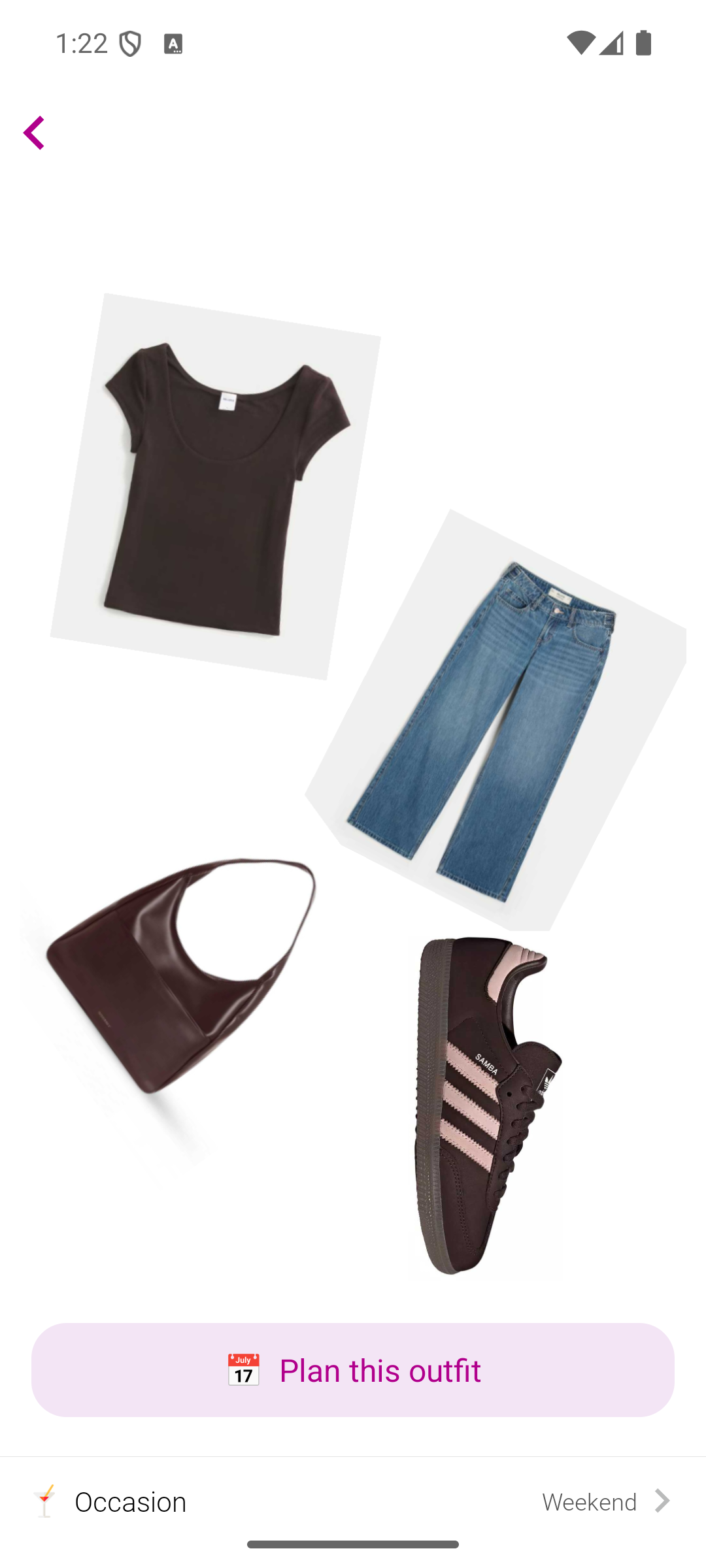
A saved outfit in Pureple for Android using four of the example pieces.
Plan for the week ahead
Think about what is actually coming up: work, errands, time at home or seeing friends. If the example sneakers do not suit your plans, use shoes you already own that do. Leave room for laundry and changes in weather.
Try the outfits before deciding what is missing
Put each combination on and check whether you like the fit and feel. Swap a piece that never works with the others. Repeat outfits you enjoy; a useful capsule does not need a different look for every day.
Use AI suggestions when you want more ideas
Pureple also offers AI styling from your digital wardrobe. AI styling requires a paid plan; check the app for available plans. You can build this capsule and save manual outfits without using AI suggestions.
See how Pureple outfit planning worksDo I need to buy new clothes for a capsule wardrobe?
You can begin with the clothes you already own. Try a small set of favorite pieces together and see what you actually wear before deciding whether anything is missing.
How many pieces should I start with?
For this exercise, start with seven: two tops, two bottoms, a layer, shoes and a bag. Adjust that number for your activities, weather and laundry routine. You do not need to reduce your entire wardrobe to seven items.
Can I organize a capsule wardrobe in Pureple for free?
Adding wardrobe items and creating outfits manually are free, with no quantity limits. Use those features to organize a small selection of clothes and save your combinations. AI styling is a separate paid feature.
Start with a few favorite pieces
Add a top, a bottom and a pair of shoes. Create your first outfit, then build your digital closet at your own pace.
Last reviewed: October 22, 2026